- code / dev. -
Pipeline
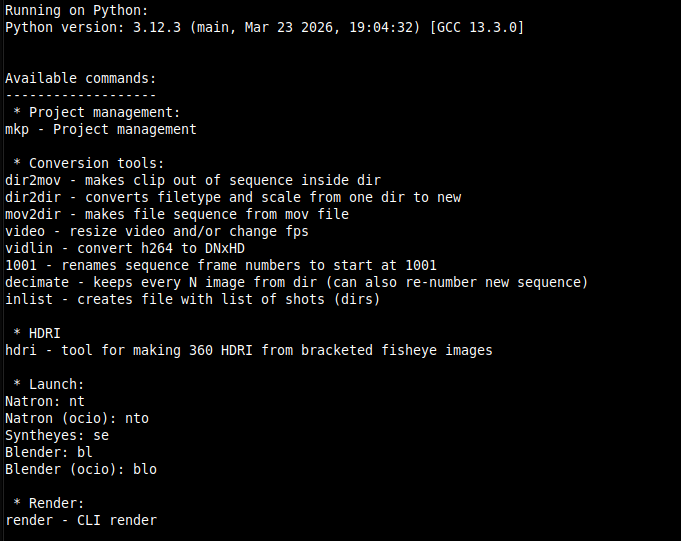
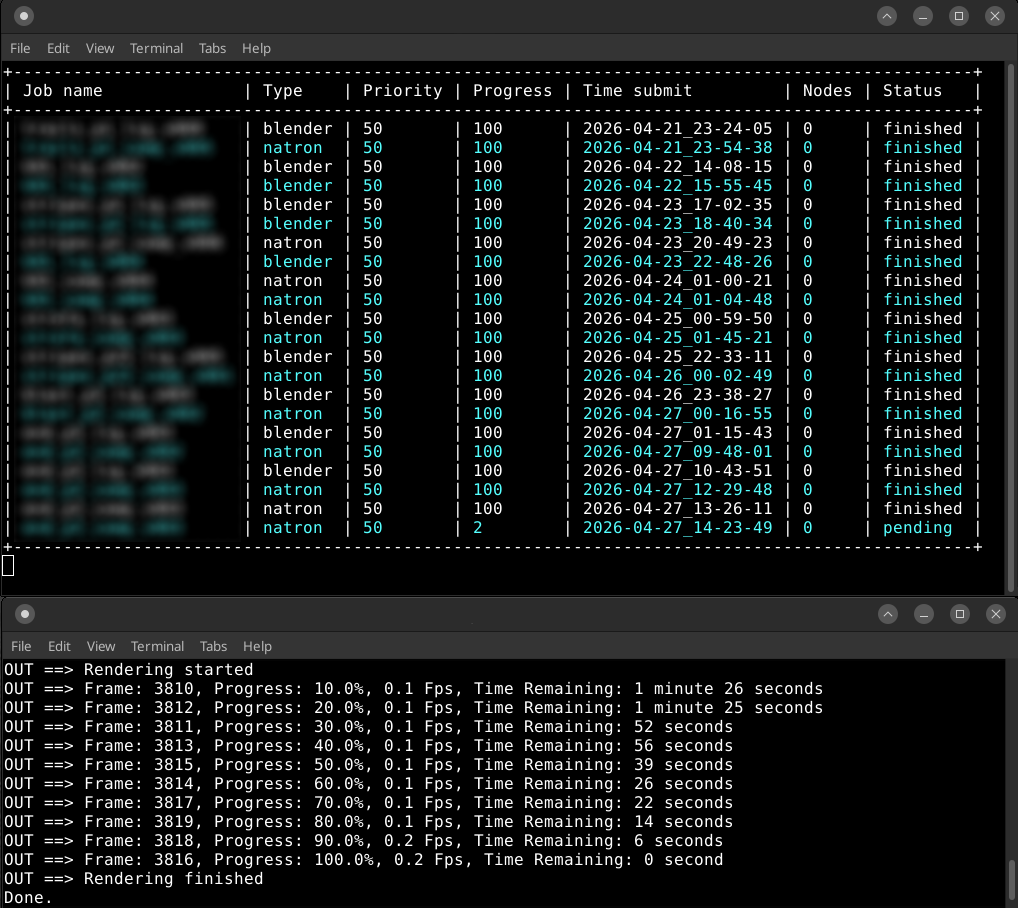
Basic preview of my pipeline tools. It is mostly CLI, and most tools work directly from terminal. Most of these accept further arguments for more tailored output. Big part of everything are app launchers which are basically wrappers so their role is to set environments for each specific app.
Renderpot
Renderpot is CLI renderfarm solution. It consist of 3 main parts: submitter, node, manager SUBMITTER: - Submitter scripts creates render job/tasks from within app. (Blender or Natron) NODE: - Simply run script and it will start process of taking and executing tasks. MANAGER: - This is where you can: monitor progress of your render manage jobs
Arhivator
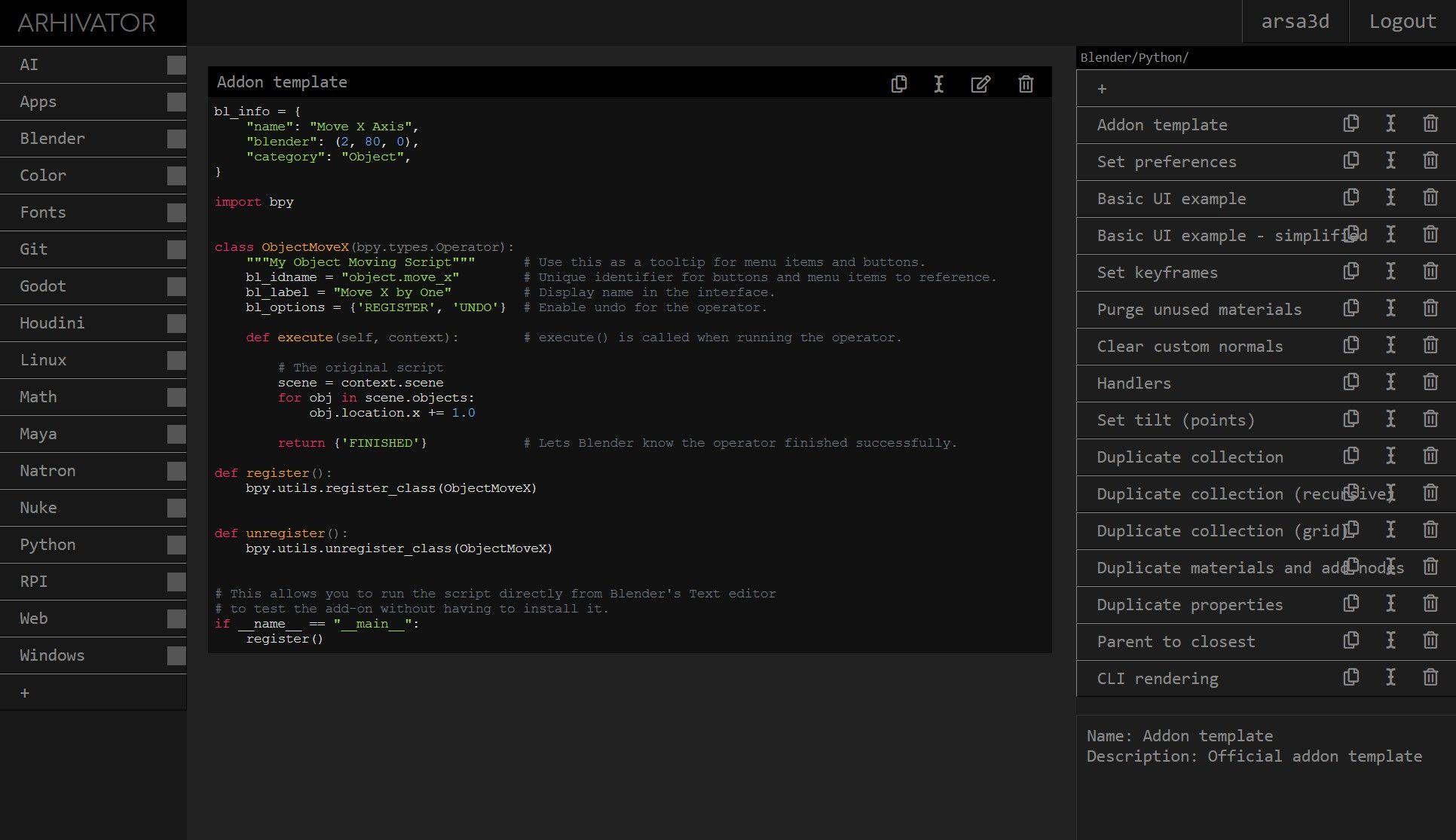
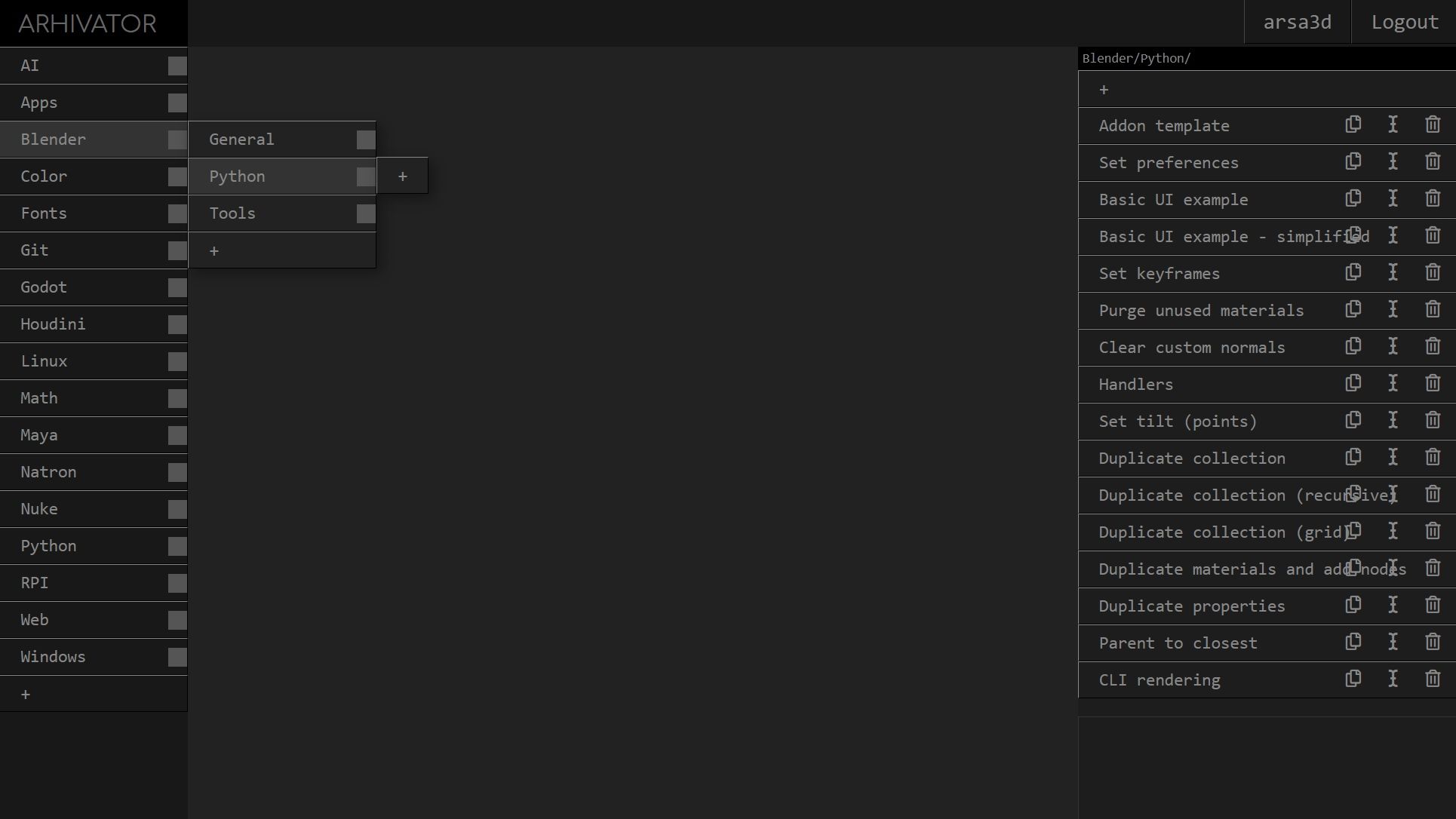
Working with a lot of different apps/tools i needed simple and convenient way to have all my code snippets at one place and i didn't want to use well known existing tools, i wanted to make my own sleek app and it was great opportunity to learn more about full stack web dev. So i made "Arhivator". It has simple interface, categories + endless subcategories on left, and code snippets on right side, easy to copy / edit code. There was so many more features i planned, unfortunately my free time didn't allow me, so it stayed a bit unpolished, however it served me greatly for almost over 7 years, so i wanted to share this. Its written in Python (Flask), no frontend frameworks. Flask is awesome ! :)
Shelfy
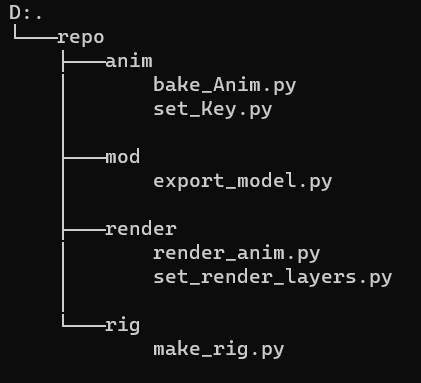
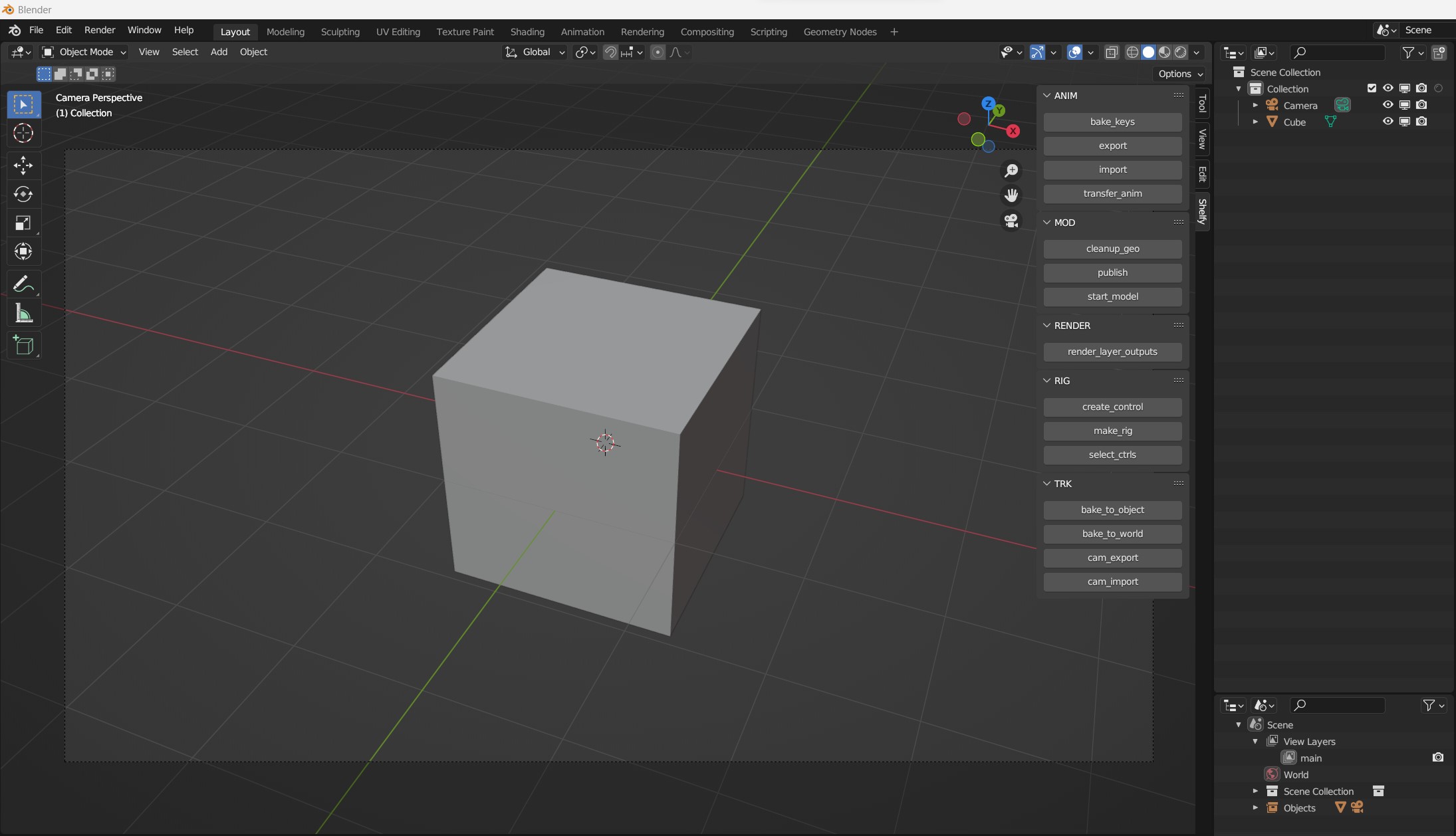
Use your Python scripts as buttons inside Blender This addon makes "shelves" with buttons which will execute your Python scripts. All you have to do is to put your Python scripts into specific folders (read below), the rest is automatic (panel/op creation and registration). Every time you start Blender, the addon will go through scripts and generate necessary Python files which will register panels and operators for you, so you end up with a button for each script you have.